
Use Inkcut
In this step of this vinyl cutter to T-shirt manual, we use Inkcut to make the vinyl cutter cut out a design in our vinyl foil.
1 Load an SVG
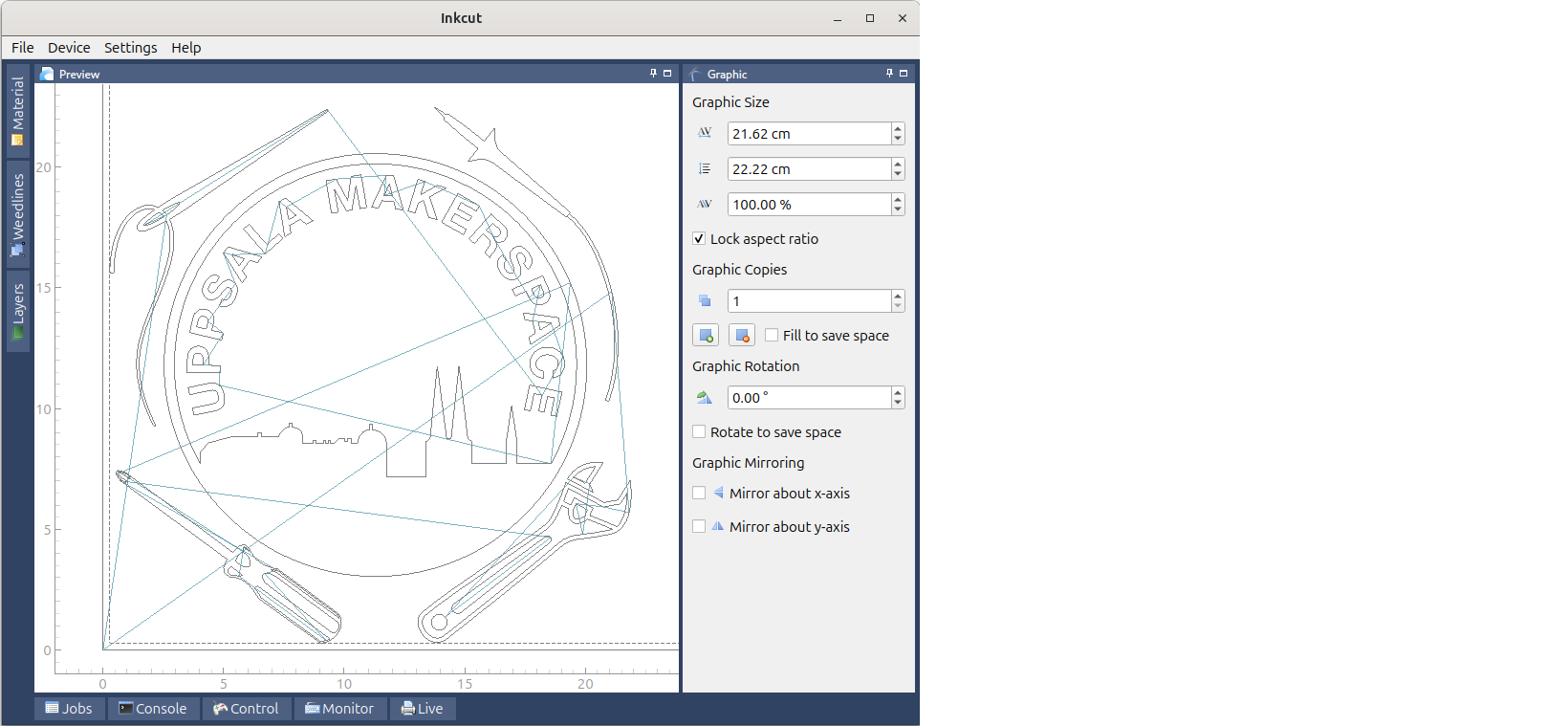
In Inkcut, load an SVG.
2 Mirror the image
Click on 'Mirror y-axis' (at the bottom-right of the screen) to mirror the image horizontally. This is especially important for letters.
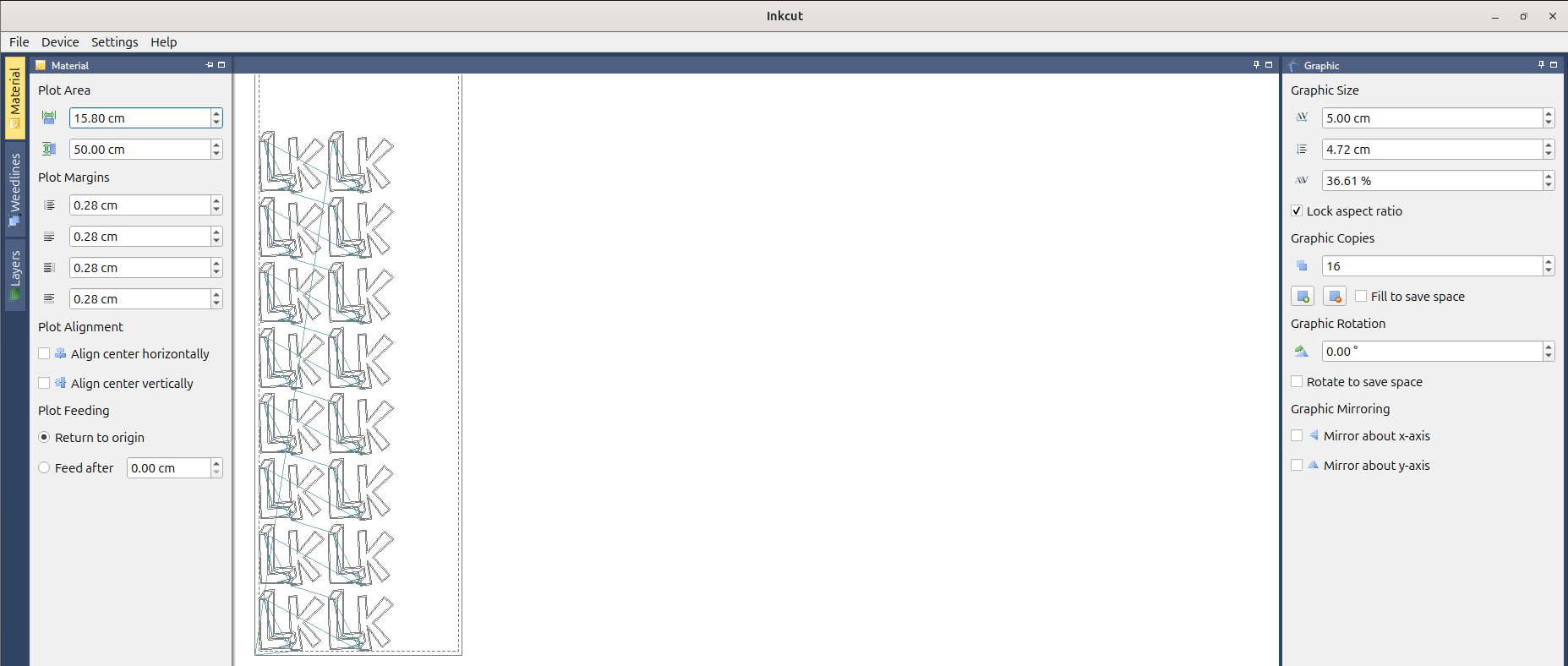
3 (optional) Set up multiple images correctly
For many copies, do as shown here:
4 Start the cut
Click on 'Device | Send to device' to start the vinyl cutter.

Click on 'Device | Send to device' to start the vinyl cutter