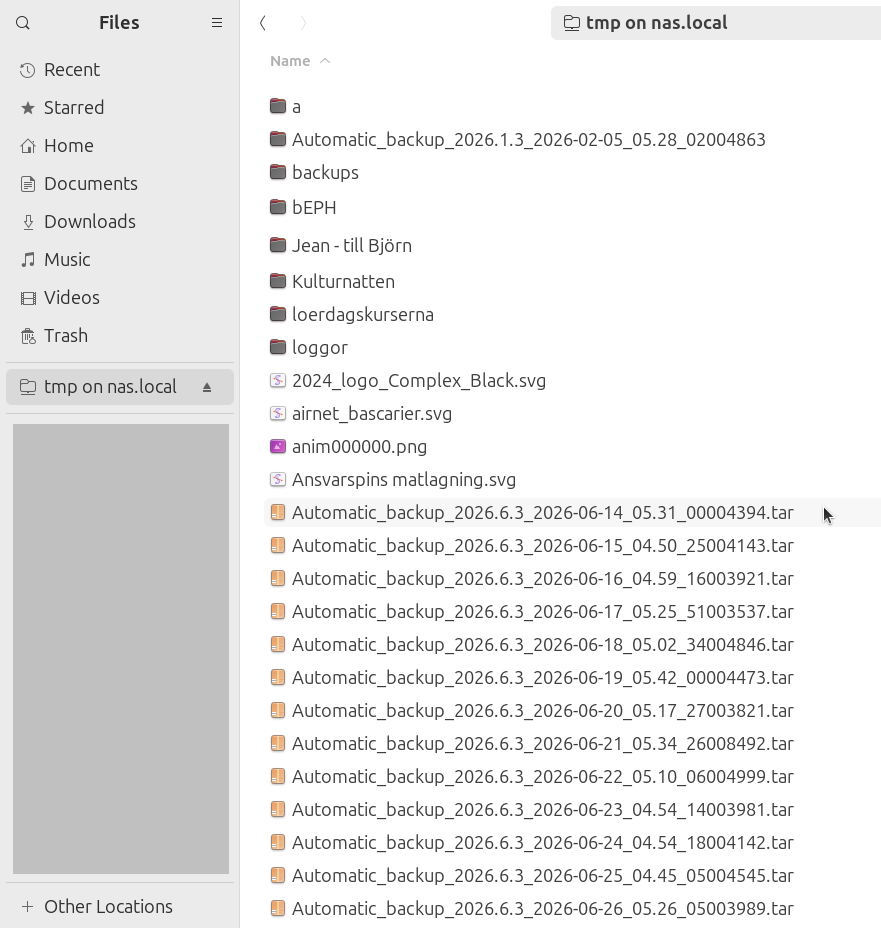
Connect to the UMS file server
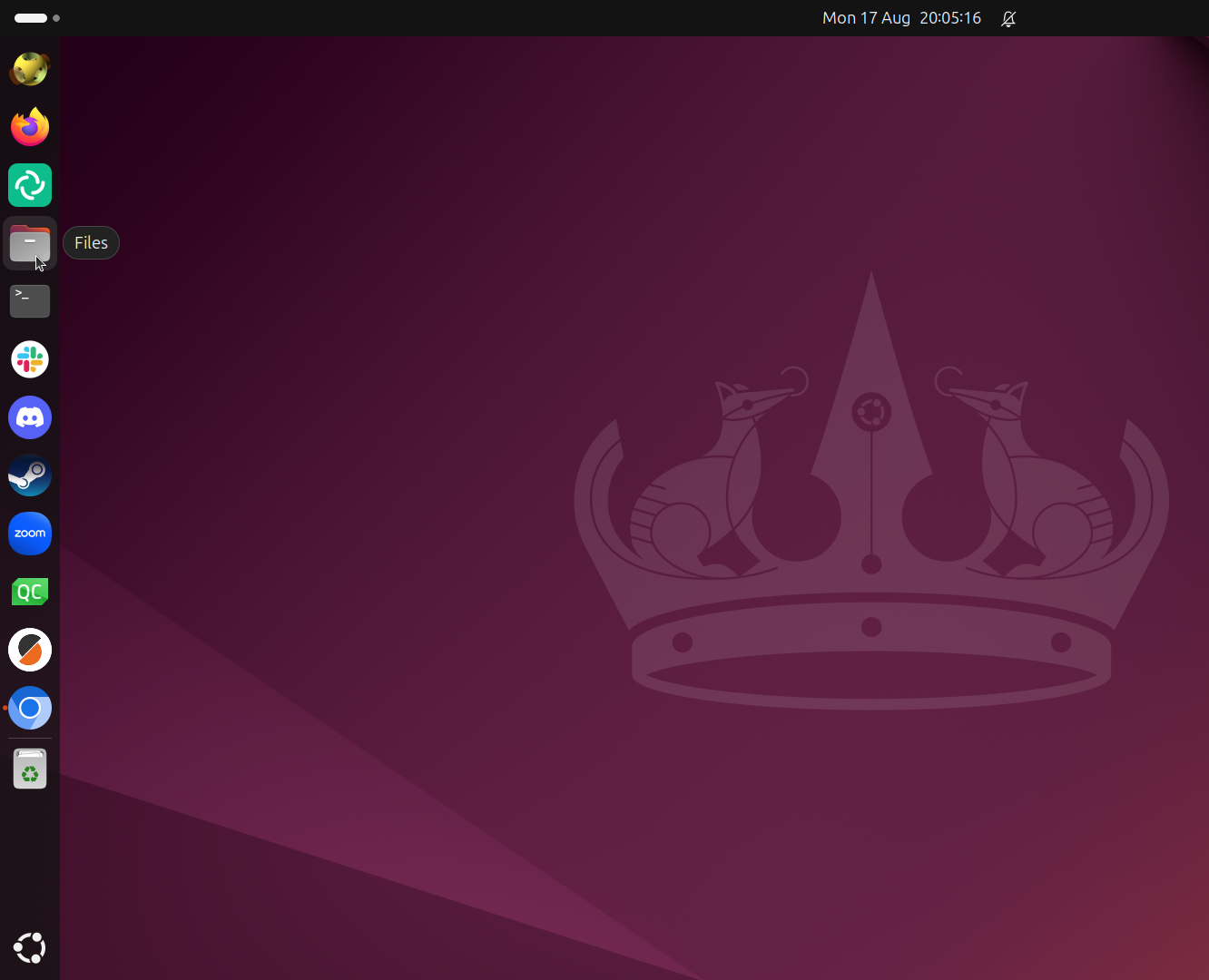
From the Ubuntu desktop, click on 'Files'.
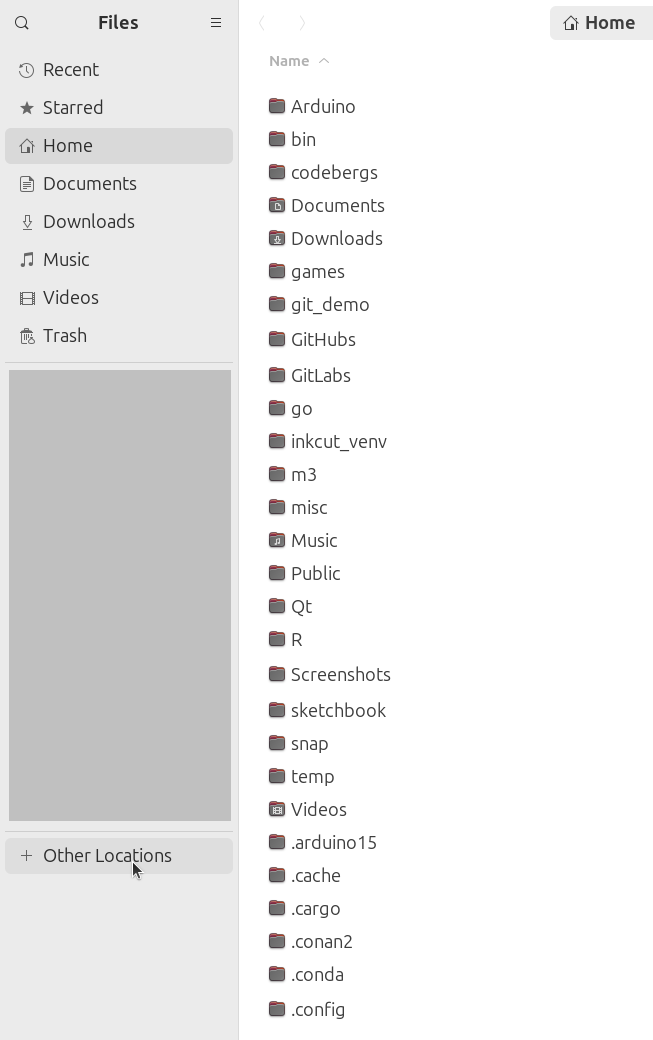
In 'Files', click on 'Other locations' to see the other locations.
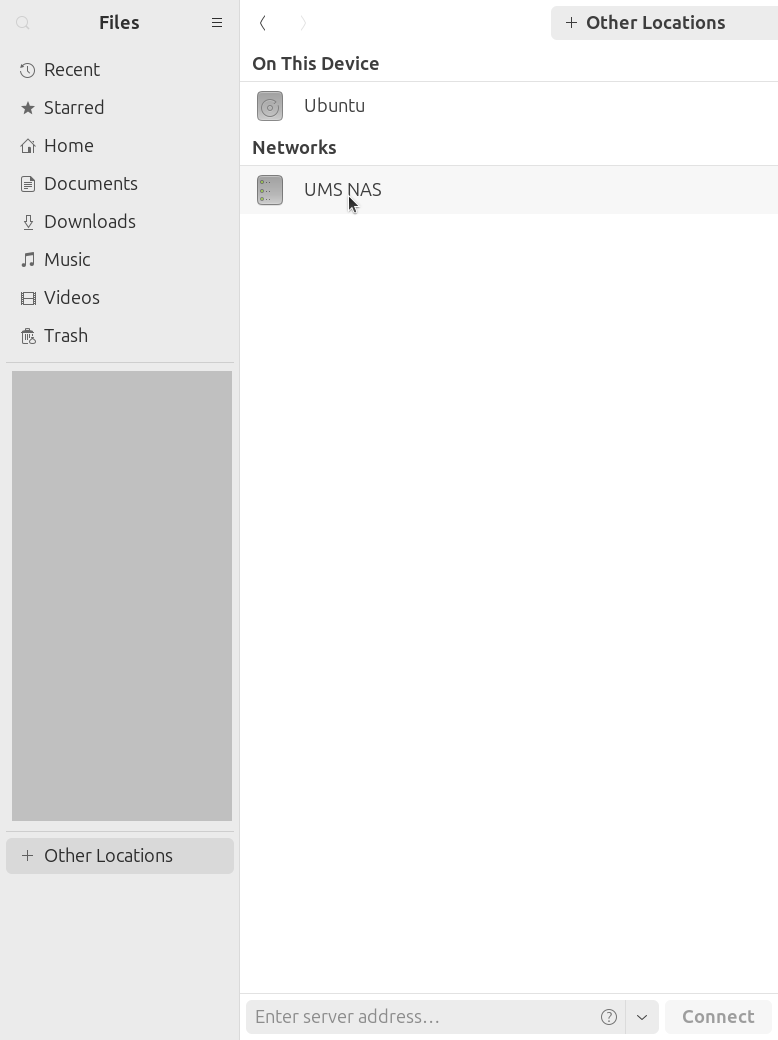
In 'Files', click on the location 'UMS NAS'.
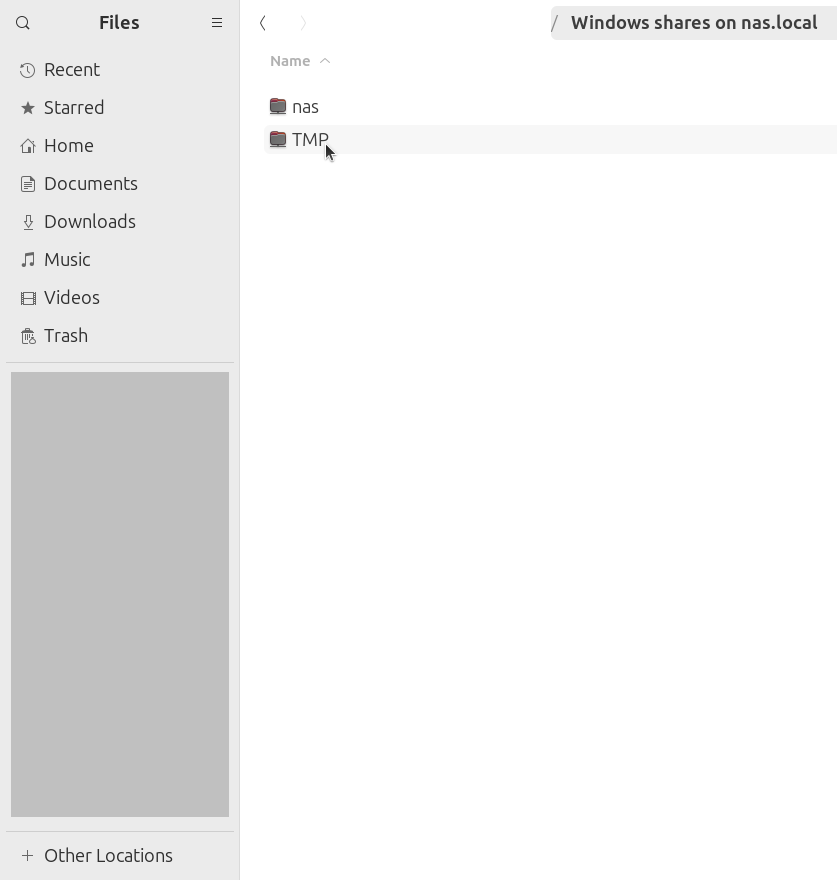
In 'Files', click on the UMS NAS location called 'TMP'.
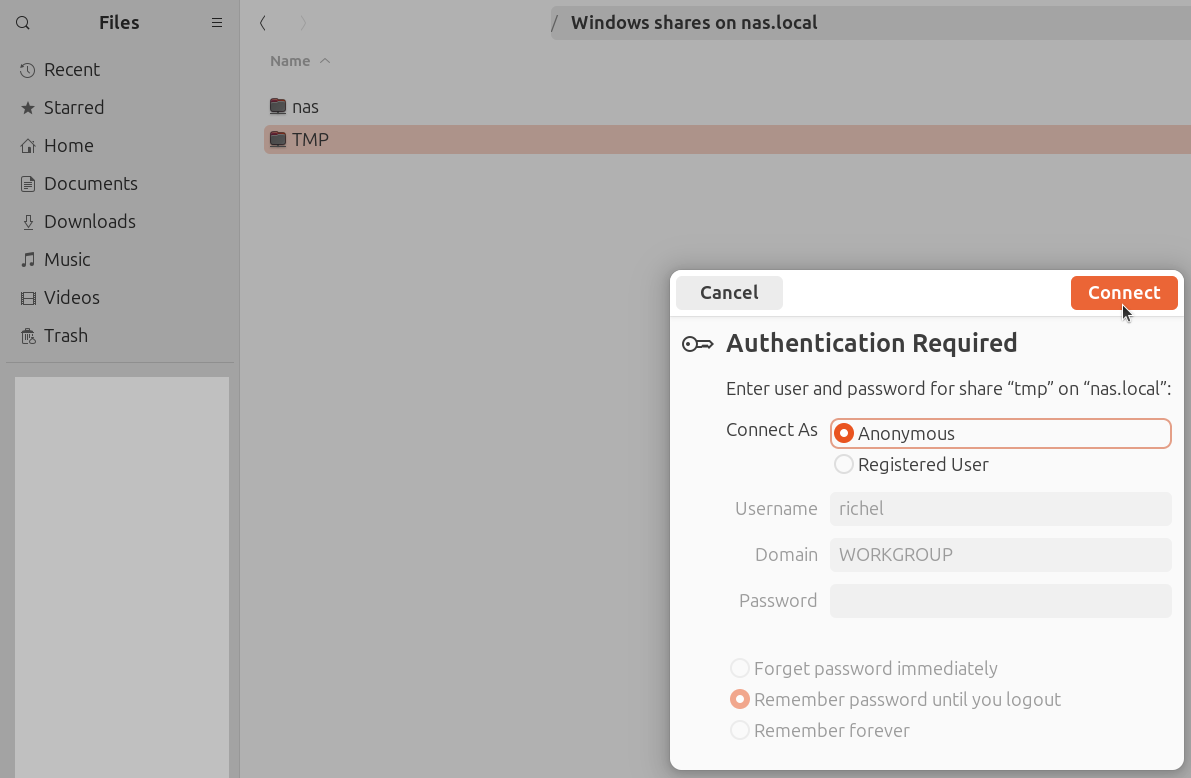
In the pop-up dialog, click on 'Connect'.
Now you are connected to the UMS file server!